
Blueprint MAP
Blueprint MAP (Migration Analysis and Planning) equips your delivery teams with deep visibility into clients' existing RPA estates, giving you the insight needed to scope, estimate, and plan migration engagements to Microsoft Power Automate Desktop with confidence.
What if your delivery teams knew exactly what was in a client's RPA estate before moving a single bot?
Your clients are eager to move from legacy RPA platforms (UiPath, Blue Prism, Automation 360) to Microsoft Power Platform, but years of accumulated automations make it hard to scope the work or credibly estimate a migration and build a business case that holds up.
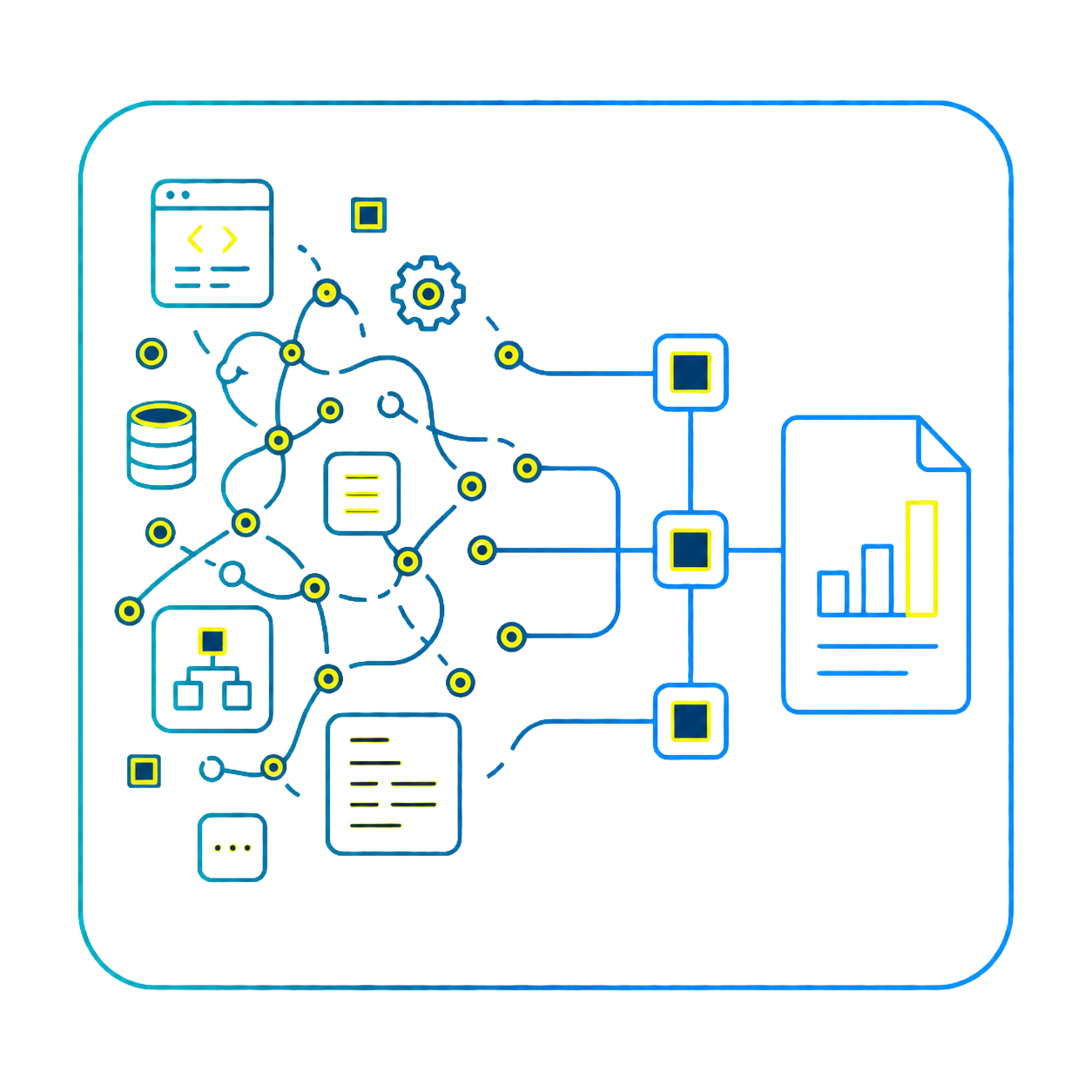
MAP changes this for your delivery teams. It scans the code of every automation to auto-generate specifications, process diagrams, structure diagrams, and narrative descriptions, then rolls that up into detailed dashboards, reports, and migration estimates, replacing guesswork with evidence, so you can scope and sell engagements with confidence.
Understand Every Automation
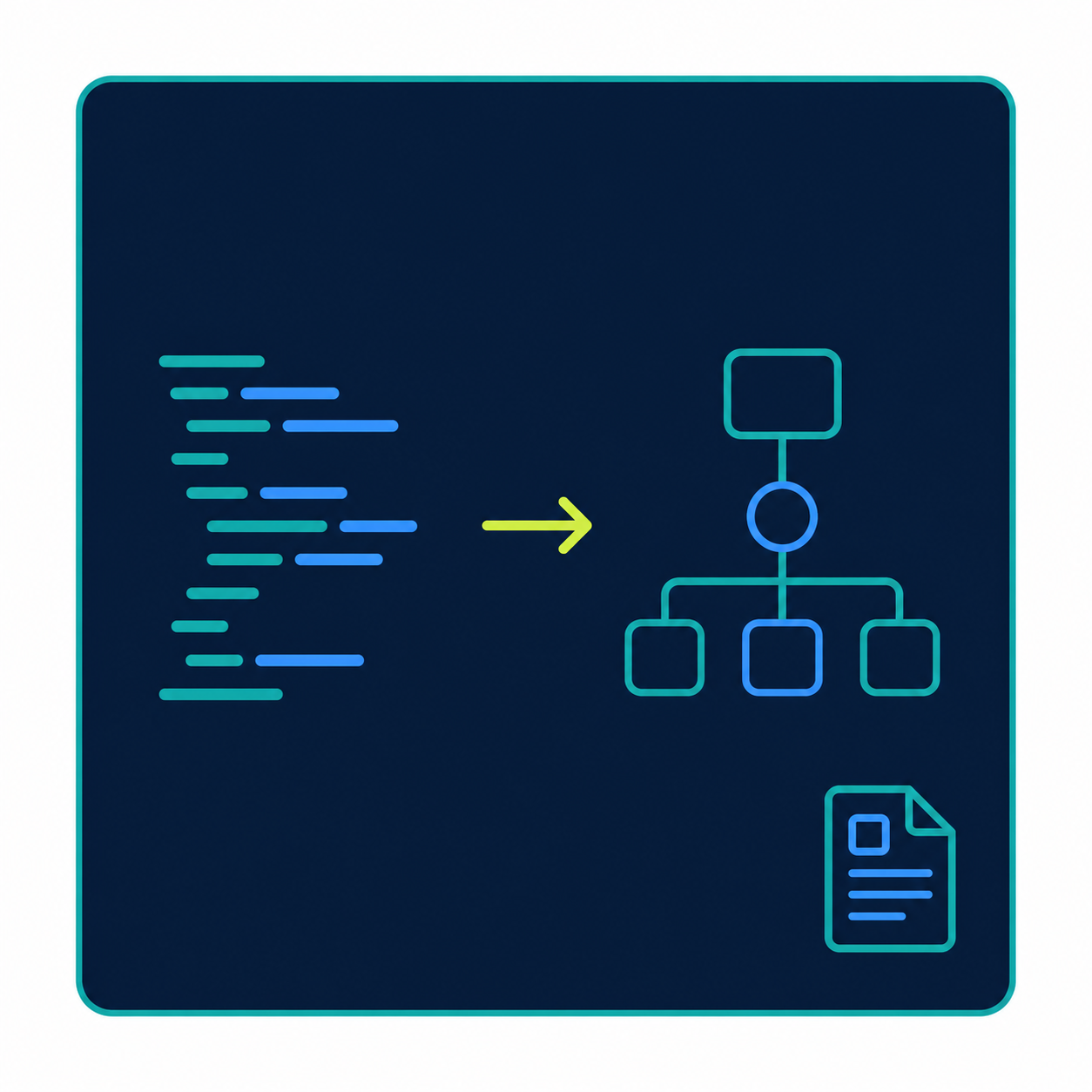
GenAI generates process and sub-process descriptions, structure diagrams, and calltree/dependency maps directly from client code, turning an unfamiliar estate into a scopeable one in hours, not weeks.
Plan and Estimate With Confidence
PAD conversion metrics per flow and rollup, from high-level estimates to a detailed, end-to-end migration estimate, give delivery teams a number they can quote with confidence before committing to a bid.
Build the Customer Proposal
Process, calltree, compliance, application, and migration assessment reports turn estate data into the evidence your team brings into the customer meeting.

RPA Data Import
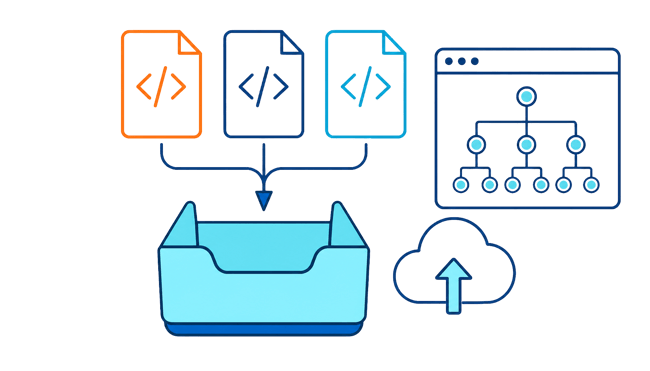
Automations import via file, bulk, or API, with import preview and component selection for full control over what's brought in.Process Knowledge
GenAI generates process and sub-process descriptions, high-level and structure diagrams, and calltree/dependency maps, including legacy documentation clients already have on hand, so your team starts scoping with real knowledge, not assumptions.

Process Metrics
See exactly how big, how complex, and how risky every client process really is, down to application usage, code size, and missing references, so nothing about the estate derails your engagement mid-migration.Migration Estimates
PAD conversion metrics per flow and rollup, an on-screen code-completion estimator, and a detailed, end-to-end migration estimate your team can build a bid on.

Specification Generation
Automation specifications generate automatically and can be tailored with drag-and-drop, no manual write-up required.Security & Compliance
GenAI-powered sensitive data detection and a configurable compliance catalog flag client risk before it becomes a problem downstream in the migration.
Reporting
Process, calltree, action, compliance, application, testing, and migration assessment reports, giving every team the view it needs.Every migration engagement starts the same way: an estate you don't fully understand yet.
MAP gives your team the visibility, estimates, and business case to scope client migrations with confidence, before you commit to a bid. With MAP, teams can...
-
Import an entire RPA estate from UiPath, Blue Prism, or Automation 360, with preview and component selection before anything is committed
-
Auto-generate specifications, diagrams, and narrative descriptions directly from the code, no manual documentation required
-
See process, sub-process, and application complexity at a glance, down to code block size and language
-
Flag sensitive data and compliance risk before it becomes a problem mid-migration
-
Turn all of the above into a migration estimate and business case stakeholders can act on
What's it costing your team to scope every new migration engagement from scratch?
MAP gives your team the visibility, estimates, and proposal-ready data to scope client migrations with confidence, before you commit to a bid.