What teams use Blueprint for.
Modernize what's already there, monitor what it does, and maintain it when things change. All three come in one tool.
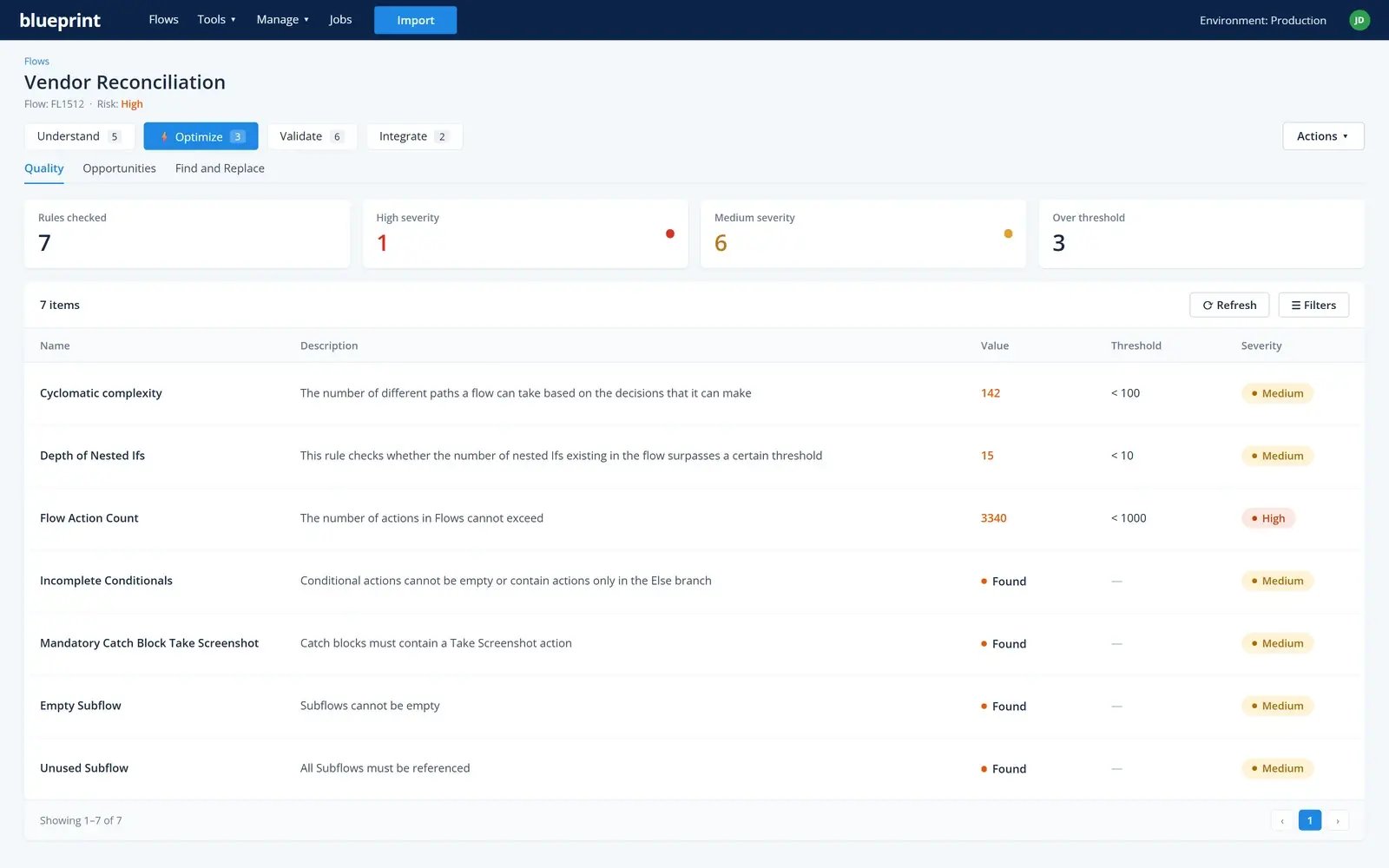
Keep improving every automation, including the ones you build next.
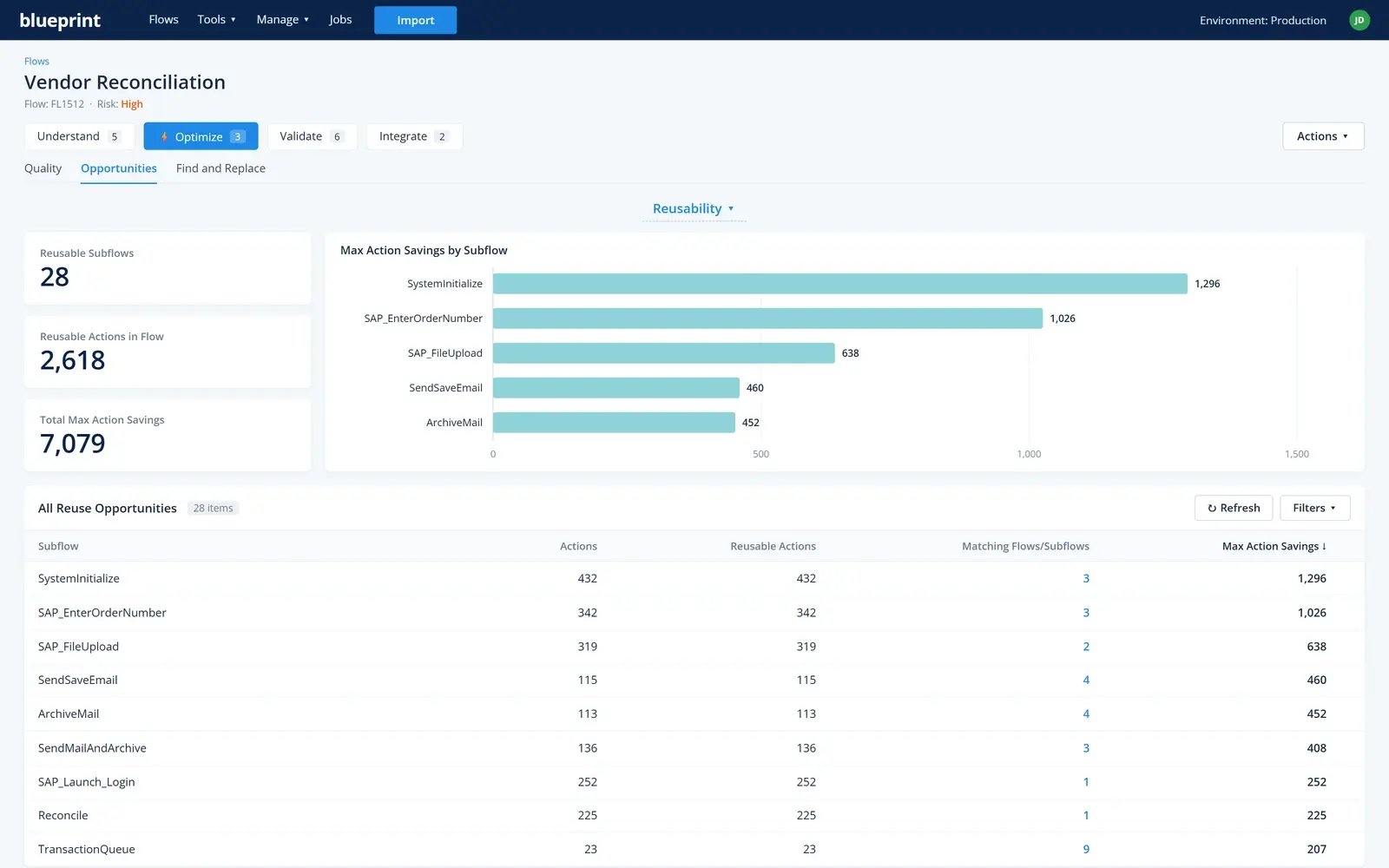
Reuse what's already builtFind logic built more than once, exact or close copies, and see how many actions consolidating them would remove, in one automation and across your estate.
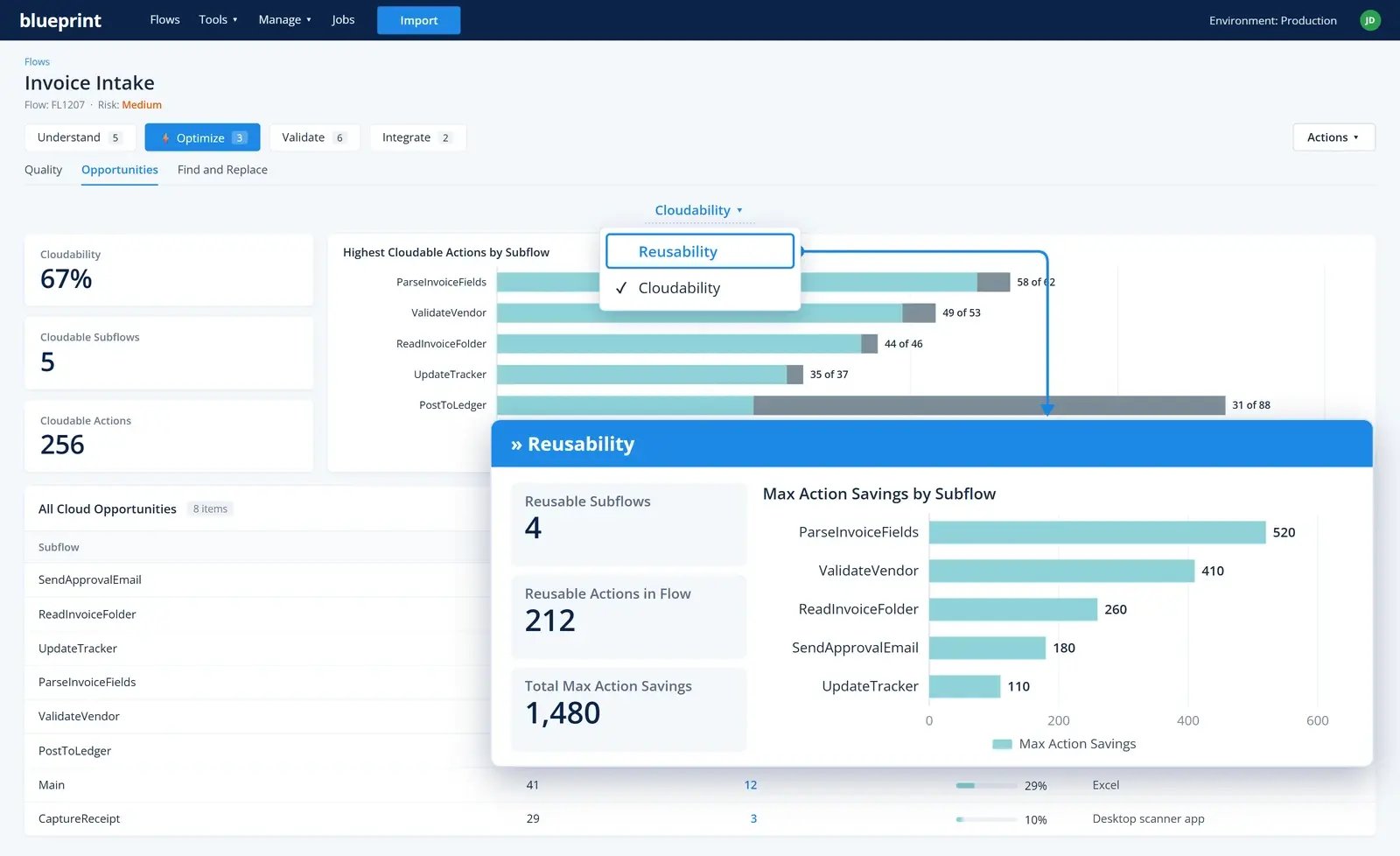
Move what belongs in the cloudSee what share of each automation could run as a cloud flow, so you can move it step by step as apps and APIs allow.
Weigh new ideas before they're builtScore automation ideas for value and feasibility, with hours, FTEs and yearly cost estimated.
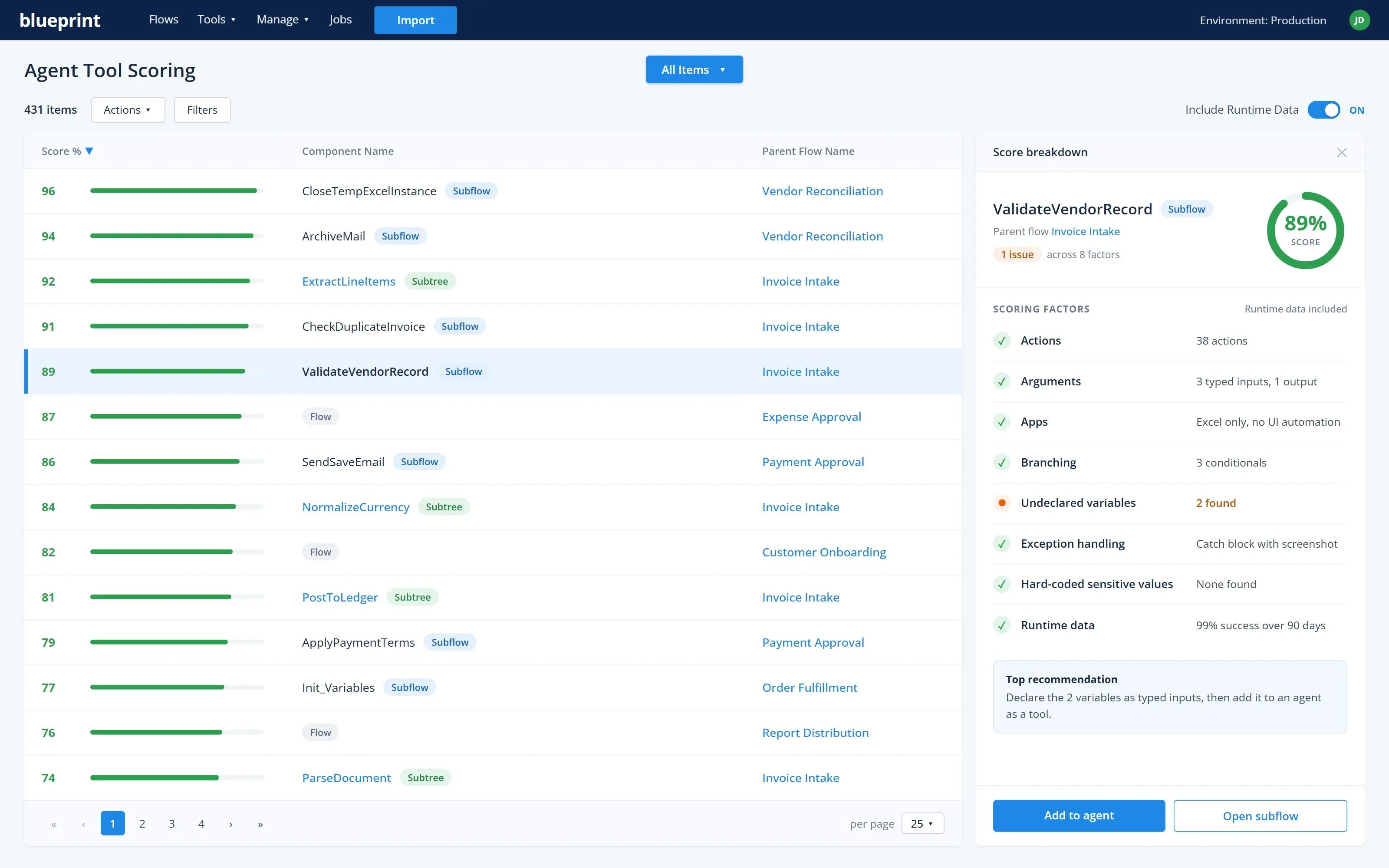
Turn the right automations into agent toolsScore which ones a Copilot agent can safely invoke, deploy them in four steps, and keep monitoring and maintaining them.
Migrate off a legacy platform.
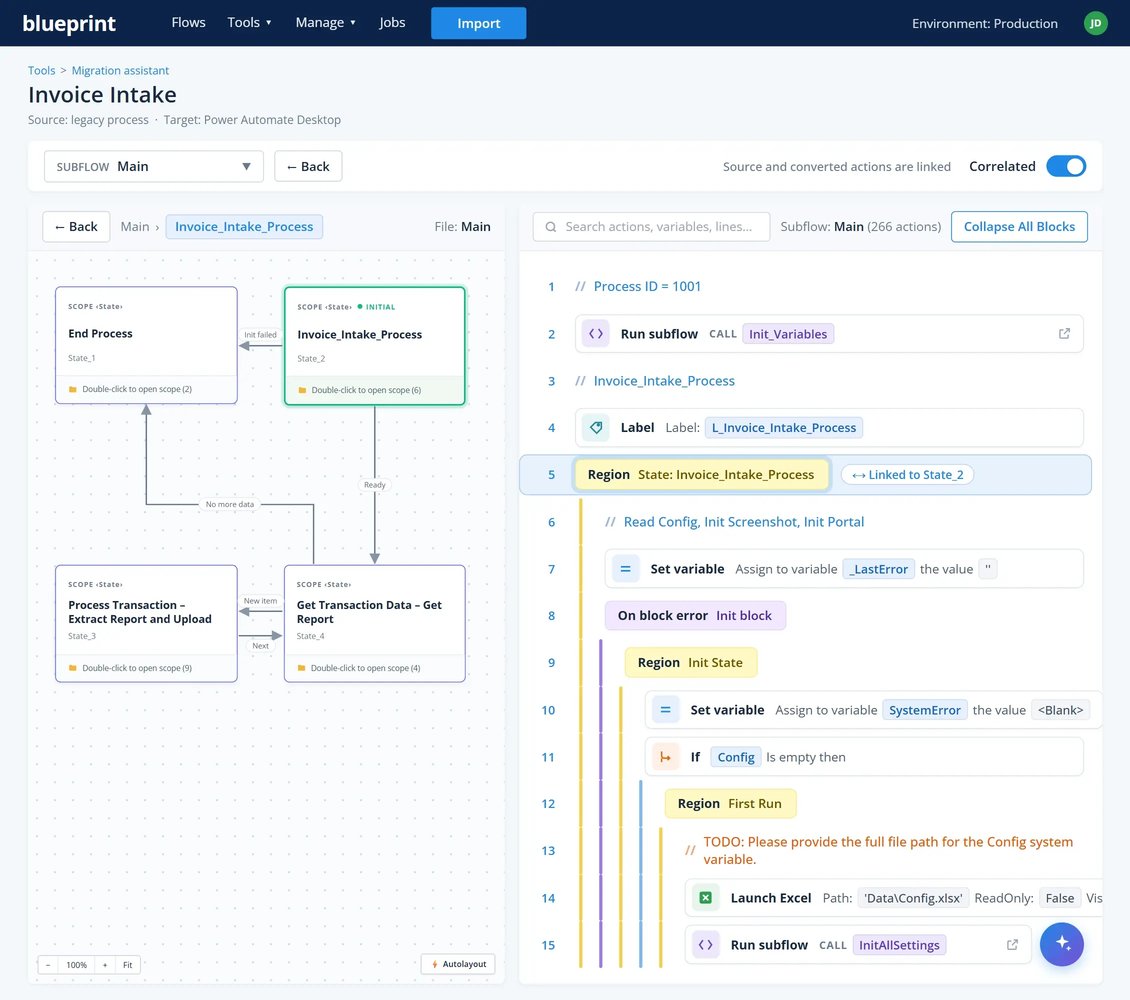
Automated conversion of legacy desktop automations into Power Automate Desktop, with the logic intact and edge cases included.
We were really eager to move off our old RPA platform, but it seemed like way too complicated of a project to even consider. Blueprint showed us a simple path that made it all a reality.
IA Capability Leader, national insurance provider
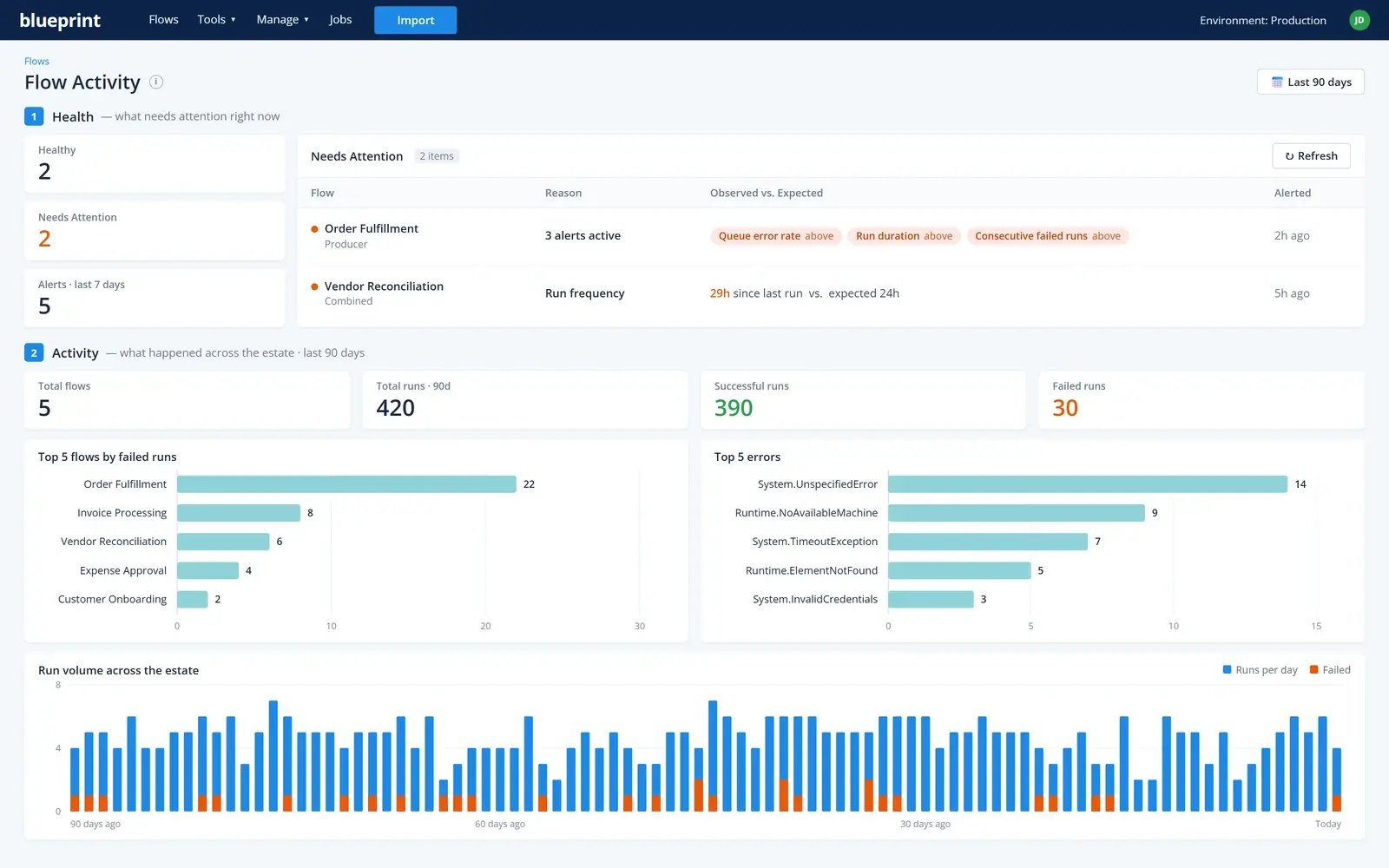
Know that an automation did its job, not just that it finished.
What Monitor covers
This is really awesome… this kind of monitoring is exactly what we've been looking for.
Automation Team Lead, global airline
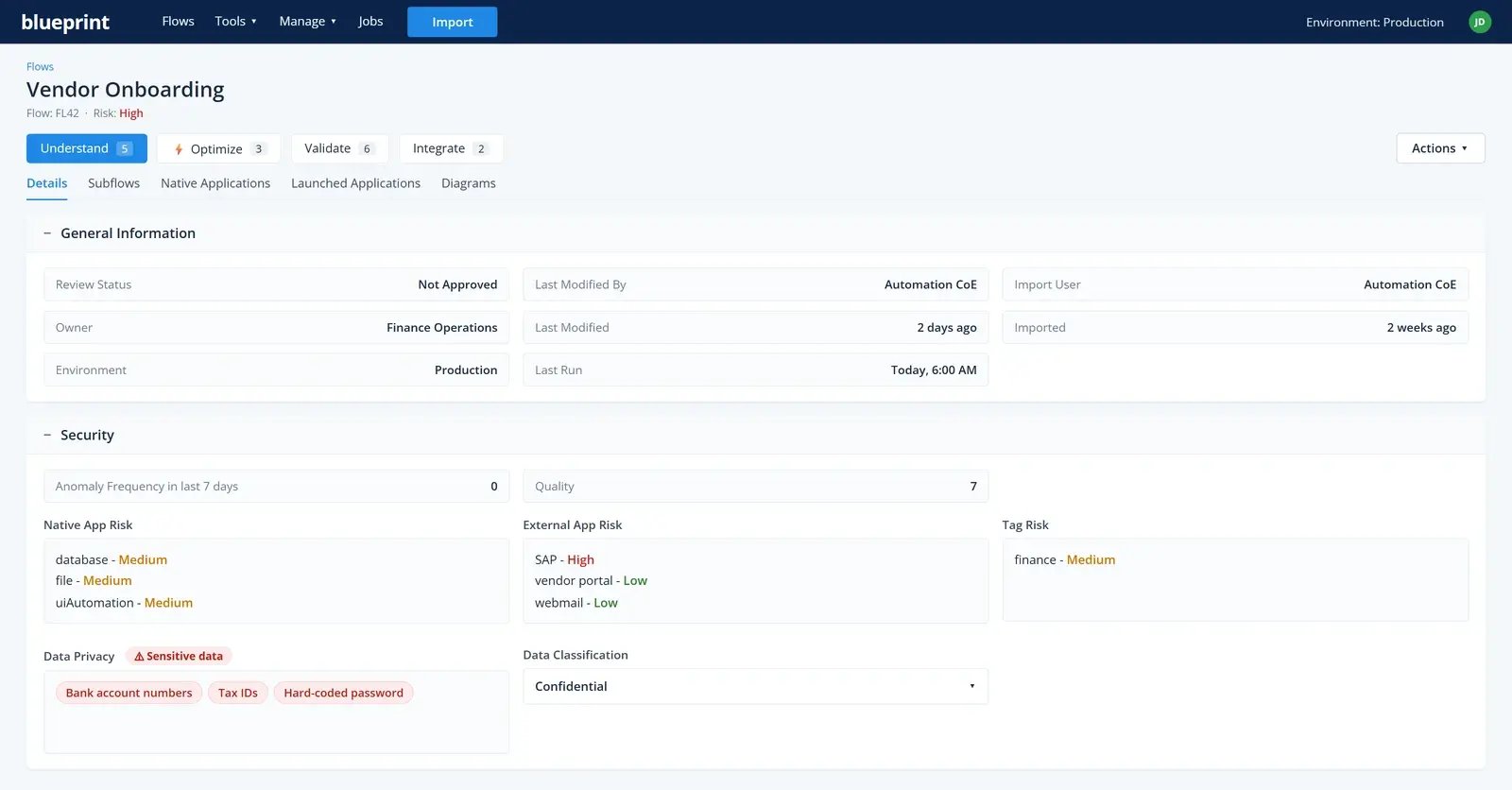
Know what every automation does and control every change to it.
See what a change will break before it ships, then fix every affected automation at once, with review and approval built in.
One inventory
Every automation across dev, test and production in a single view, generated from your estate itself rather than assembled by hand.
Understand it fast
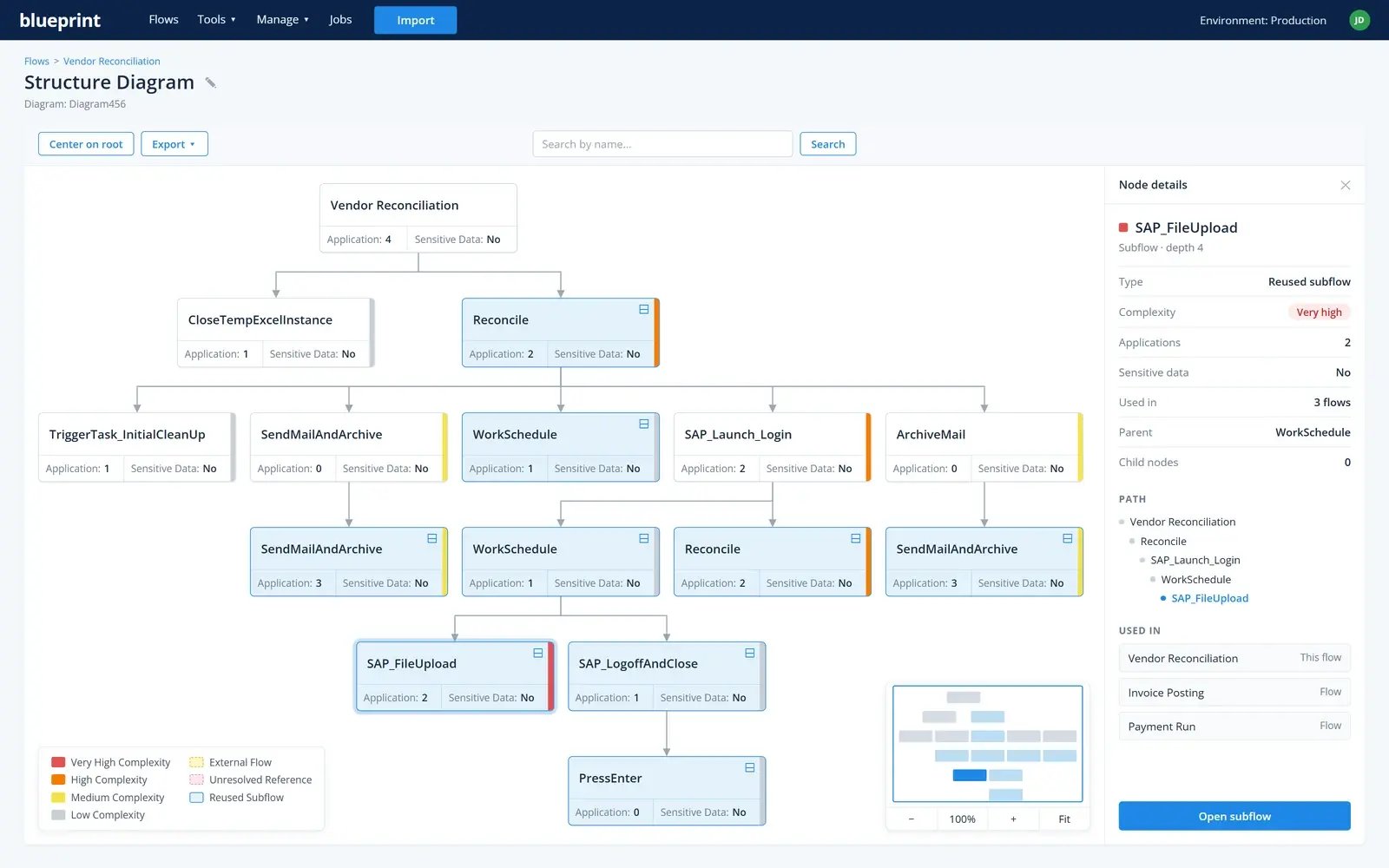
AI-generated descriptions and process and structure diagrams, produced from the code itself. Ask in plain English, like "every automation that uses both Excel and SAP," across all your environments.
Specs without the writing
Export an automation's specification as a Word or PDF document, laid out like a PDD or SDD. Already have PDDs and SDDs? Upload them and reuse their sections.
Know what a change hits
Dependencies and impact analysis before a change, line-by-line version compare and restore, and approvals that reset automatically when the code changes.
Change every automation at once
Pattern-based find and replace (regex) across every occurrence. Changes are syntax-checked and saved as drafts, so you can test them before anything is published.
When we run and ingest automation estates through Blueprint, the analytics that come out for our internal teams is eye-opening. We can grab a client's existing automation estate, understand it, rationalize it, and get control of it in weeks versus months in manual tools with manual resources.
Director, IT Operations, global systems integrator